
Quarkus Faces Security: Form Login, Basic Auth and OIDC for Jakarta Faces
Ever since I wrote about Quarkus Faces, one question keeps coming back in issues, discussions and client engagements: how do I secure my Faces application on Quarkus? The questions in quarkus-faces#409 sum it up pretty well:
- How do I put a real login page in front of my Faces views? Quarkus has no servlet-style
request.login(), so the usual Jakarta EE answers don’t work. - How do I log out?
- Can I just use the browser’s Basic Auth dialog instead?
- How do I move to OIDC/Keycloak later without rewriting all my pages?
So I built a small demo that answers all of them in one place: melloware/quarkus-faces-security.
One App, Three Ways to Secure It
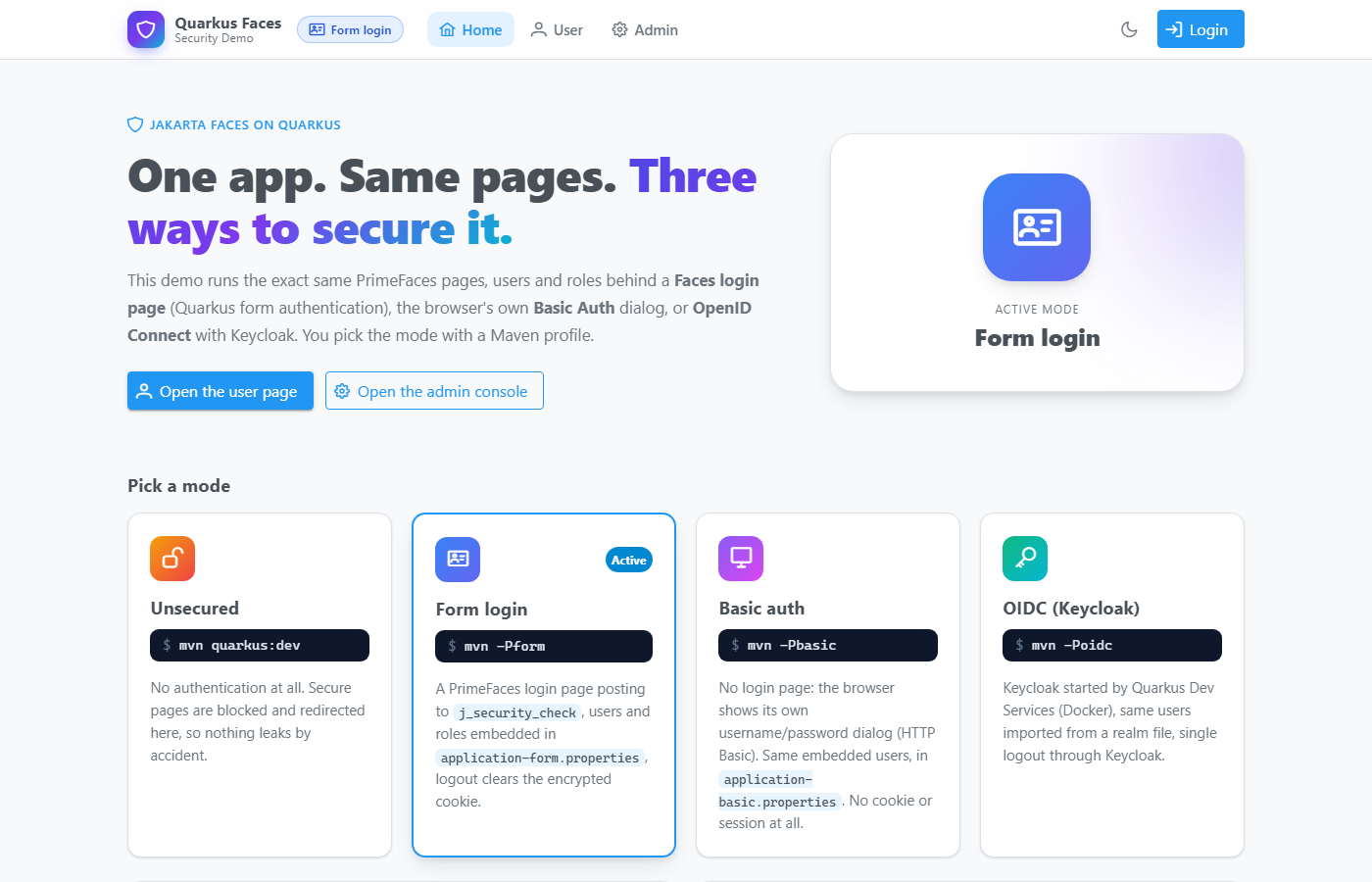
The demo uses Quarkus with MyFaces, PrimeFaces and OmniFaces, and secures the same pages, users and roles in three different ways depending on which Maven profile you run:
| Command | Mode | What you get |
|---|---|---|
mvn quarkus:dev |
Unsecured | Only the public home page, with a warning banner. /secure/** is blocked. |
mvn -Pform |
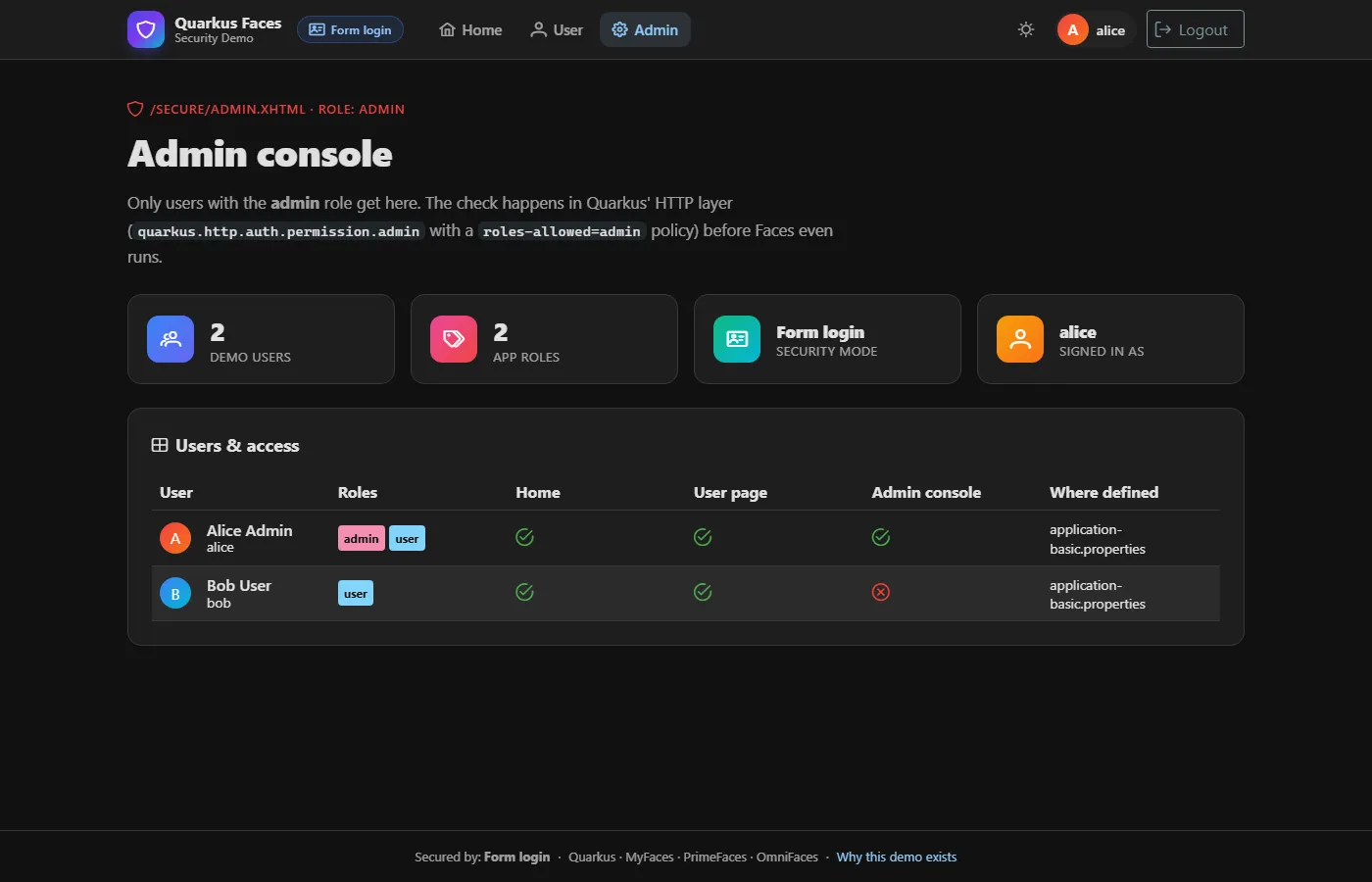
Form login | A PrimeFaces login page (Quarkus form authentication) backed by embedded users. |
mvn -Pbasic |
Basic auth | No login page. The browser shows its own username/password dialog (HTTP Basic authentication). |
mvn -Poidc |
OIDC | Login through Keycloak, started automatically by Quarkus Dev Services. |
All three secured modes have the same two users: alice / alice (roles admin and user) and bob / bob (role user
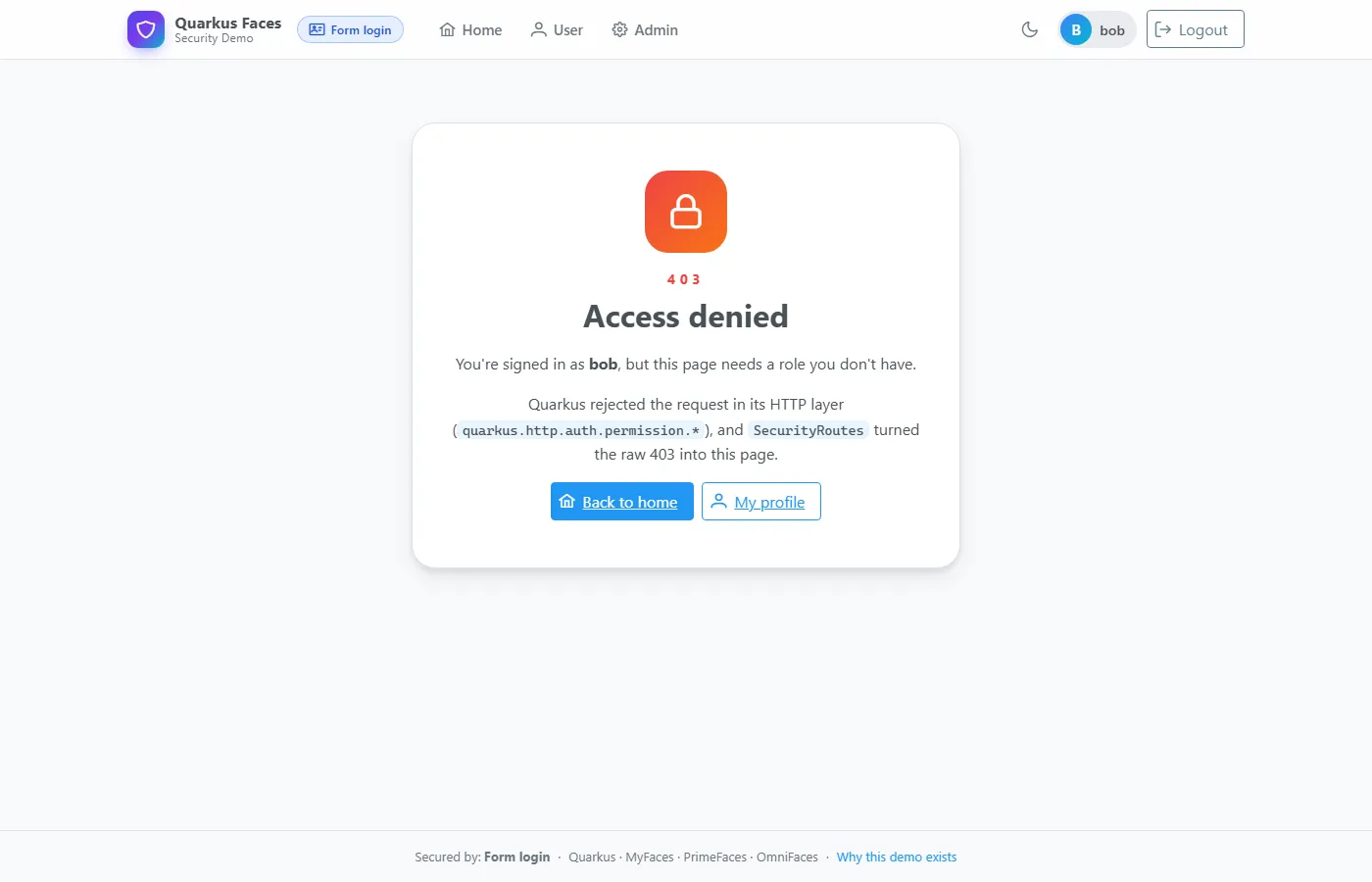
only). Bob can see the user page but gets a friendly 403 when he tries the admin console.
Each Maven profile sets quarkus.profile, which layers a profile-specific properties file on top of application.properties,
and each profile only adds the JARs its mode actually needs:
| Build | Security JARs on the classpath |
|---|---|
| default | quarkus-security only: there’s no way to log in |
-Pform |
+ quarkus-elytron-security-properties-file |
-Pbasic |
+ quarkus-elytron-security-properties-file |
-Poidc |
+ quarkus-oidc, quarkus-jackson |
Because code that touches JsonWebToken can’t compile without the OIDC JARs, it lives in a separate source folder
(src/main/oidc/java) that only the oidc profile adds via build-helper-maven-plugin. A small TokenClaims interface
with a @DefaultBean no-op implementation keeps the rest of the app oblivious.
Path-Level Security
All three secured modes use the same HTTP permission rules. Quarkus enforces them in its HTTP layer before the Faces
servlet ever runs, so web.xml needs no <security-constraint> entries at all:
quarkus.http.auth.permission.secure.paths=/secure/*
quarkus.http.auth.permission.secure.policy=authenticated
quarkus.http.auth.policy.admin-only.roles-allowed=admin
quarkus.http.auth.permission.admin.paths=/secure/admin.xhtml
quarkus.http.auth.permission.admin.policy=admin-only
The catch is that these 403s never reach Faces, so a web.xml <error-page> can’t catch them. A small Vert.x failure
handler in SecurityRoutes redirects them to a styled access-denied.xhtml page instead.
One Bean That Knows the Mode
Every page talks to #{securityService} and never to a specific security mechanism:
<ui:fragment rendered="#{securityService.hasRole('admin')}"> ...admin-only panel... </ui:fragment>
<p:commandButton value="Logout" action="#{securityService.logout}" ajax="false"/>
SecurityService wraps the injected SecurityIdentity and does the right thing on logout for the active mode:
| Mode | Logout |
|---|---|
| form | removes the encrypted quarkus-credential cookie and redirects home |
| basic | redirects to BasicLogoutServlet, which answers with a 401 so the browser forgets its cached credentials |
| oidc | redirects to quarkus.oidc.logout.path, so you are logged out of Keycloak too (RP-initiated logout) |
Your pages don’t care which one is active, which is exactly what makes switching between them painless.
And since Quarkus propagates its SecurityIdentity into the servlet container, plain Servlet API calls like
getUserPrincipal(), getRemoteUser() and isUserInRole() work in every secured mode too, including
#{request.userPrincipal.name} in EL.
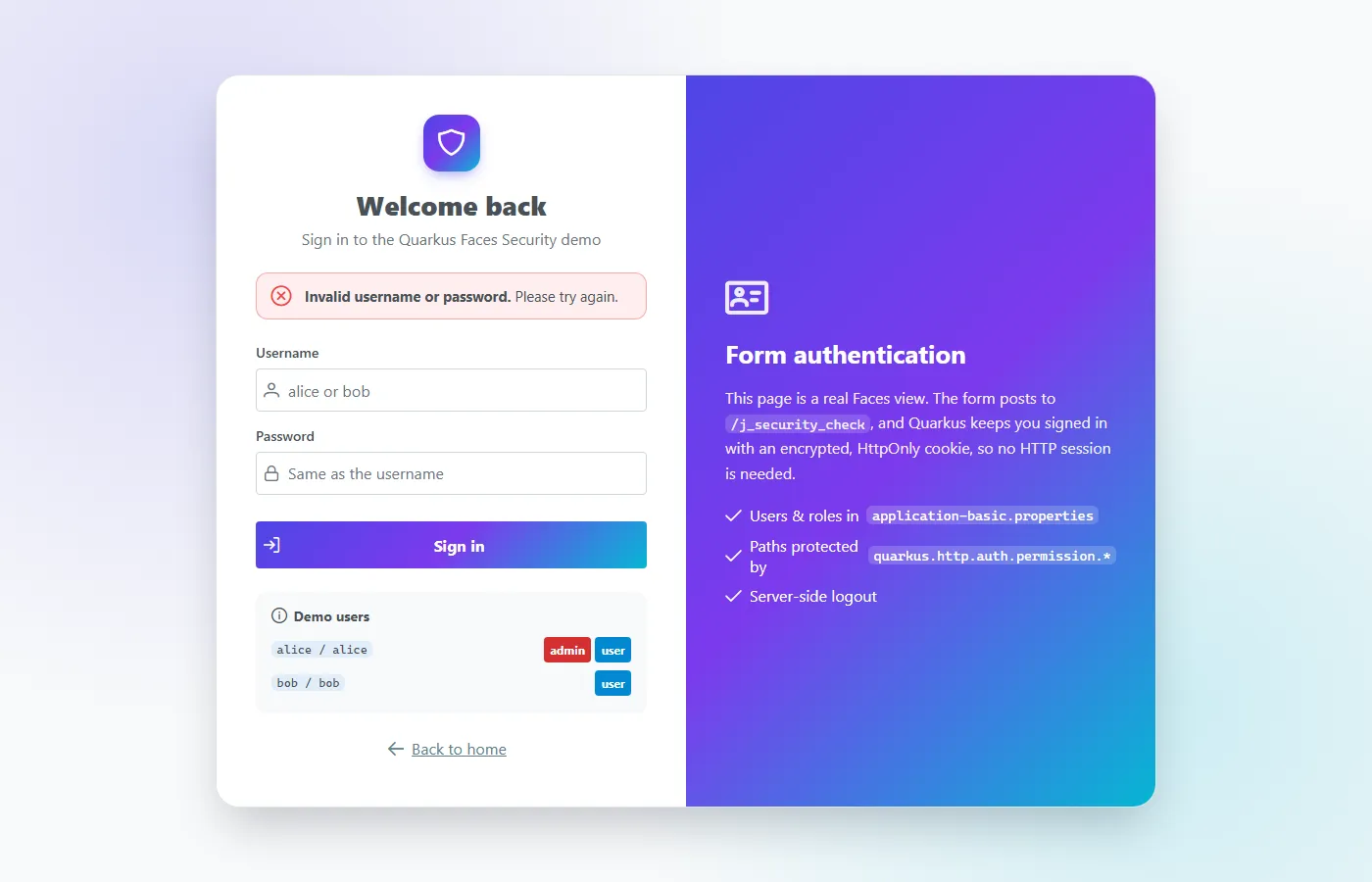
1. Form Login Without request.login()
The login page is a normal Faces view, but its form is a plain HTML <form>, not h:form. It posts j_username and
j_password straight to /j_security_check, and Quarkus does the rest:
quarkus.http.auth.form.enabled=true
quarkus.http.auth.form.login-page=/login.xhtml
quarkus.http.auth.form.error-page=/login.xhtml?error=true
quarkus.http.auth.form.landing-page=/secure/user.xhtml
quarkus.http.auth.form.http-only-cookie=true
quarkus.http.auth.session.encryption-key=change-me-...   # use a real secret in production!
You stay logged in through an encrypted cookie rather than the HTTP session, so it also works across a cluster.
Programmatic Login From a Faces Action
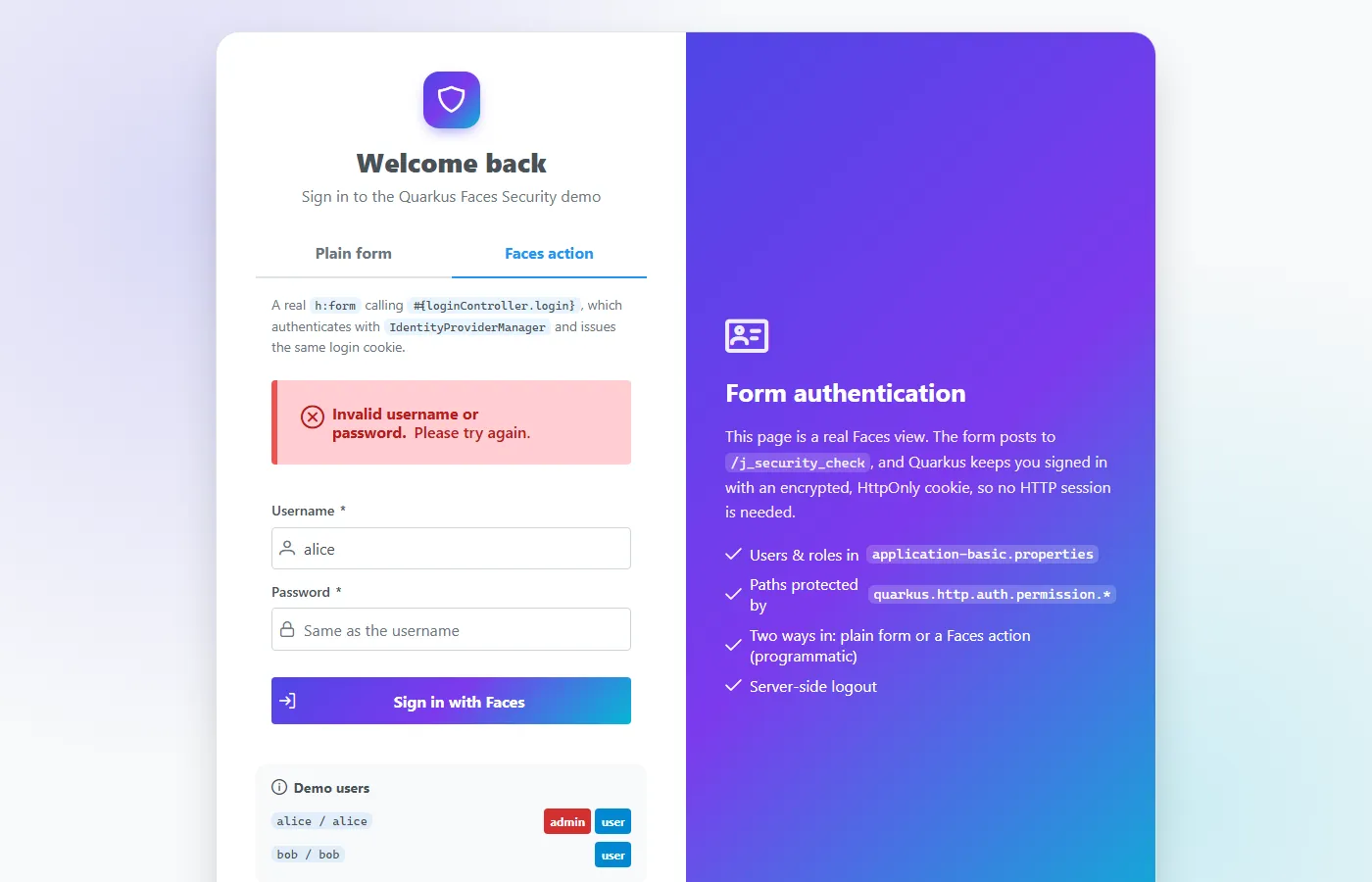
This is the one people really want. A plain form is fine, but many apps need the login to be a Faces action method so
they can use PrimeFaces components and validation, p:messages, ajax, and run their own checks first (captcha, account
lockout, auditing). The workaround floating around in #409 has the server POST to its own /j_security_check with an
HttpClient and copy the Set-Cookie header back. That’s fragile: it breaks behind proxies, with context paths and TLS,
and doesn’t even URL-encode the password.
The demo’s LoginController instead does in-process exactly what j_security_check does:
@Inject IdentityProviderManager identityProviderManager;
@Inject CurrentVertxRequest currentVertxRequest;

public void login() throws IOException {
    // 1. Check the credentials with the same identity providers form auth uses
    SecurityIdentity identity = identityProviderManager.authenticateBlocking(
            new UsernamePasswordAuthenticationRequest(username, new PasswordCredential(password.toCharArray())));
    //    -> AuthenticationFailedException on bad credentials: add a FacesMessage and stay on the page

    // 2. Issue the SAME encrypted quarkus-credential cookie form auth would
    RoutingContext rc = currentVertxRequest.getCurrent();
    loginManager(http, form).save(identity, rc, null, rc.request().isSSL());

    // 3. Redirect to the page originally requested, or the landing page
    external.redirect(contextPath + redirectTarget(rc, form));
}<h:form id="progForm">
<p:messages id="progMessages"/>
<p:inputText id="username" value="#{loginController.username}" required="true"/>
<p:password id="password" value="#{loginController.password}" required="true"/>
<p:commandButton value="Sign in with Faces" action="#{loginController.login}" process="@form" update="@form"/>
</h:form>Because the cookie is identical to the one j_security_check creates, everything after login just works: path permissions,
SecurityIdentity, getUserPrincipal() and logout.
Caveat:
PersistentLoginManagerlives in a Quarkusruntimepackage and isn’t a documented API, whileIdentityProviderManageris. Re-run the tests when you upgrade Quarkus; the demo has a Playwright test covering this flow end to end.
2. HTTP Basic Auth
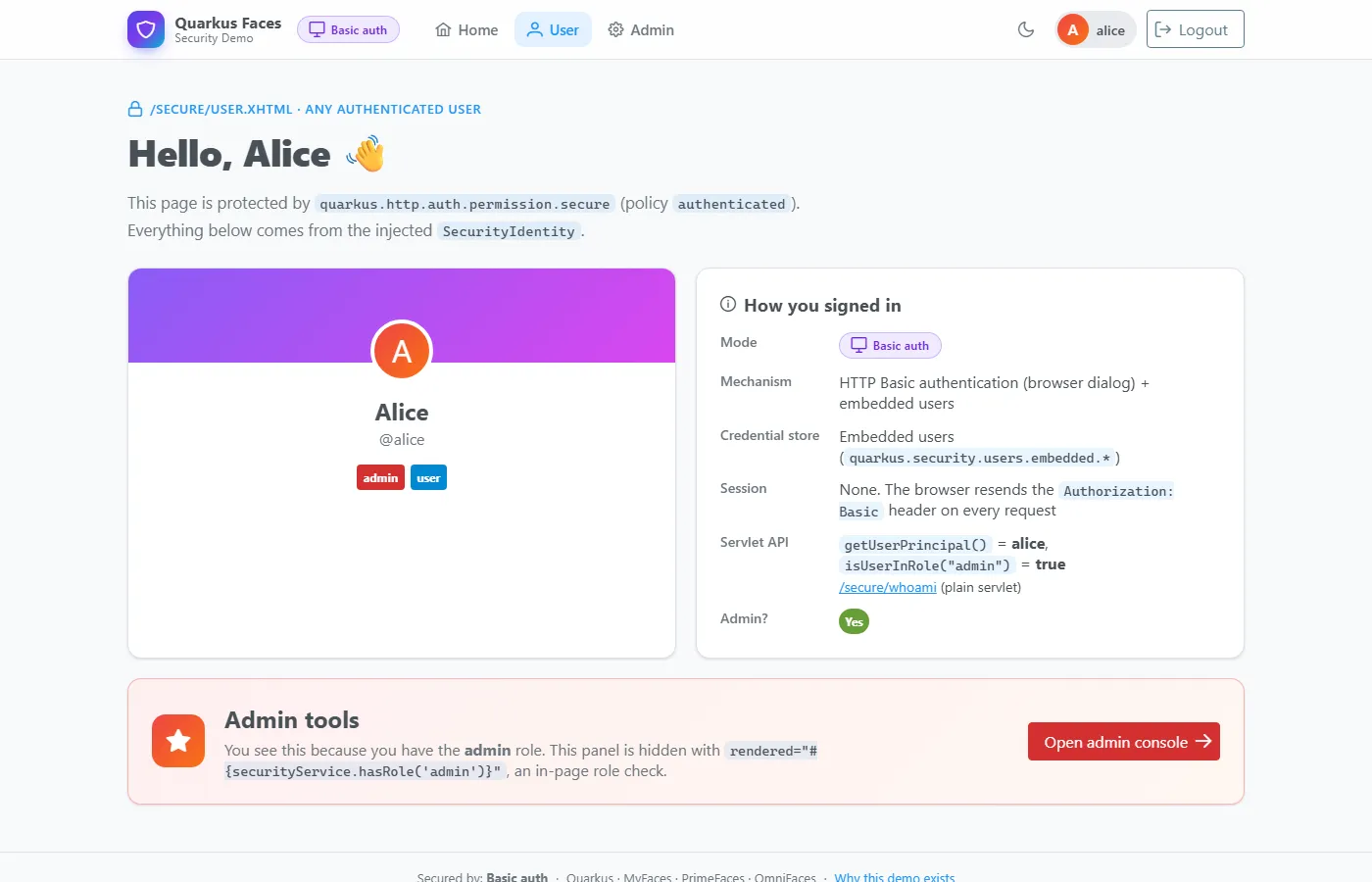
The simplest option of all: no login page, no cookie, no session. Turn it on and Quarkus challenges every unauthenticated request to a protected path, and the browser pops up its own username/password dialog:
quarkus.http.auth.basic=true
quarkus.http.auth.realm=Quarkus Faces     # shown in some browsers' dialogs
GET /secure/user.xhtml -> 401 WWW-Authenticate: basic realm="Quarkus Faces"
GET /secure/user.xhtml -> 200 (the browser retries after the user fills in its dialog)
Authorization: Basic YWxpY2U6YWxpY2U=The Faces pages don’t change at all: SecurityIdentity, #{securityService...}, path permissions, getUserPrincipal()
and the friendly 403 page all work exactly as with form login.
It’s great for internal tools, but know the trade-offs before you pick it:
- The password goes with every request, only base64-encoded. Use HTTPS.
- You can’t style the dialog, add a “remember me”, a captcha or a Faces message. Use form login for that.
- The browser decides when to send the credentials. It resends them automatically only under the path it was challenged
on (here
/secure/), so public pages like the home page show you as signed out. - There’s no logout in the protocol. The browser keeps the credentials until it is closed. The demo uses the usual
workaround: Logout sets a one-time cookie and redirects to
BasicLogoutServlet, which answers the cached credentials with a401and a fresh challenge. The browser treats them as rejected and forgets them. Click Cancel on the dialog and you land on the home page, signed out.
3. OIDC With Keycloak Dev Services
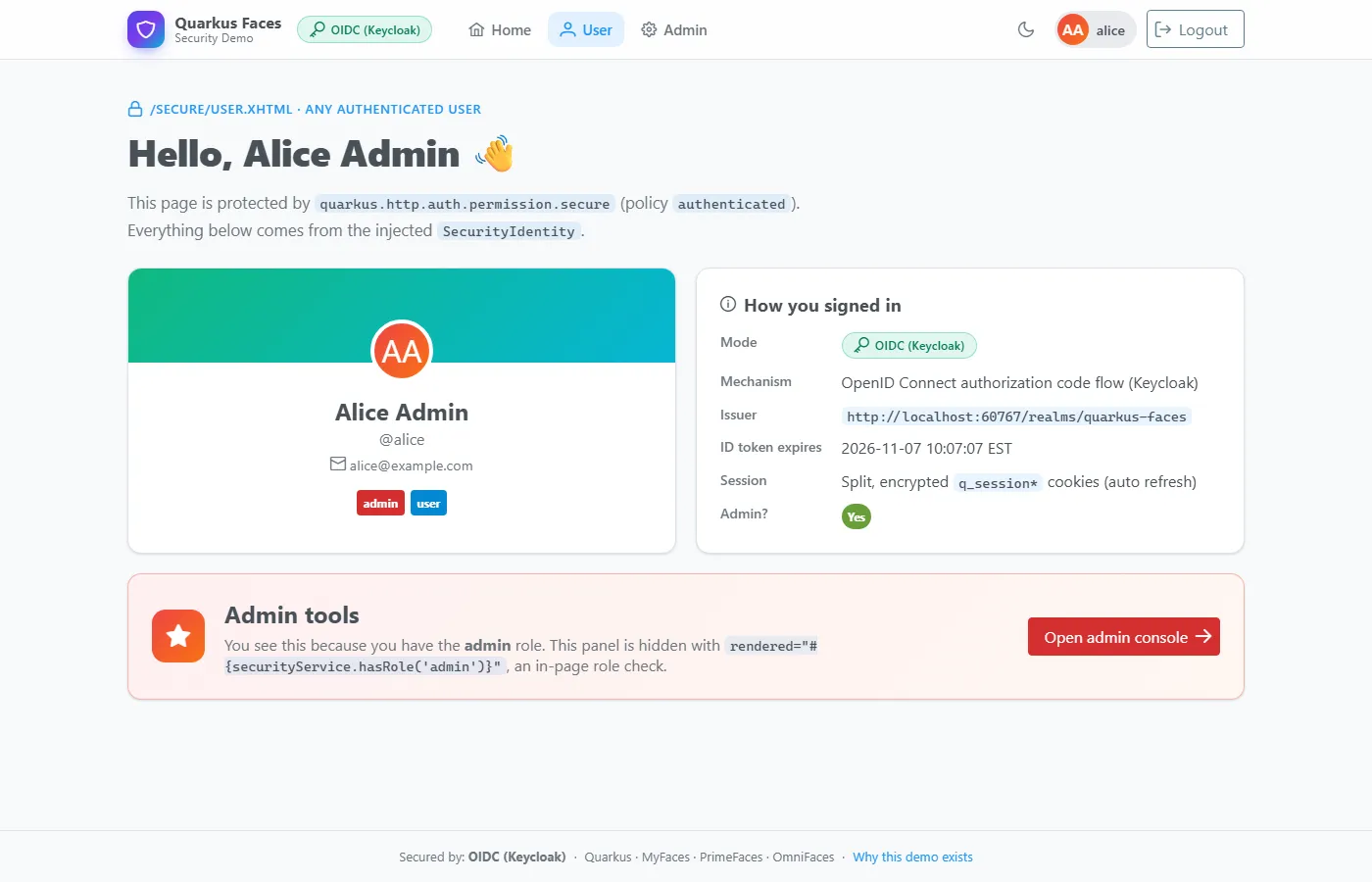
Run mvn -Poidc and Quarkus Dev Services pulls and starts Keycloak in a container and imports a realm file with the same
users and roles. Clicking Login now takes you to Keycloak’s login screen instead, and nothing in the Faces pages changed.
A few gotchas I hit along the way:
- Keycloak puts realm roles in the access token, so you need
quarkus.oidc.roles.source=accesstoken. - The ID, access and refresh tokens together are too big for one cookie, so set
quarkus.oidc.token-state-manager.split-tokens=true. - OIDC needs
quarkus-jacksonon the classpath to read Keycloak’s JSON metadata.
Tested in Every Mode, JVM and Native
Since each mode has different JARs on the classpath, each one is tested in its own build using JUnit 5 tags, RestAssured and Quarkus Playwright for real browser tests: full login, admin access, Bob being denied, the programmatic login messages, the Basic Auth challenge and logout, and single logout through Keycloak.
mvn verify && mvn -Pform verify && mvn -Pbasic verify && mvn -Poidc verifyEvery test class also has an *IT subclass that runs against the native executable with -Dnative, and GitHub Actions
runs the JVM and native tests for every mode on each pull request. Native mode caught a couple of classic Faces gotchas:
EL reads properties by reflection, so a plain POJO used in a table needs @RegisterForReflection, and EL method calls on JDK
or container objects (like #{list.size()}) fail in native, so expose a bean getter instead.
Use It In Your Own App
- Copy
application.properties, the properties file of each mode you want, and the matchingform/basic/oidcMaven profiles. - Put protected views under
/secure/(or change the permission paths). - For form login, copy
login.xhtml, using either the plainj_security_checkform or the Faces-action version withLoginController. For Basic auth there’s no page to copy; addBasicLogoutServletif you want a logout button. - Copy
SecurityServiceand have your pages only use#{securityService...}. - Optionally copy
SecurityRoutesfor friendly 403 pages.
Check out the code at melloware/quarkus-faces-security and let me know if it helps you secure your Faces applications on Quarkus!